








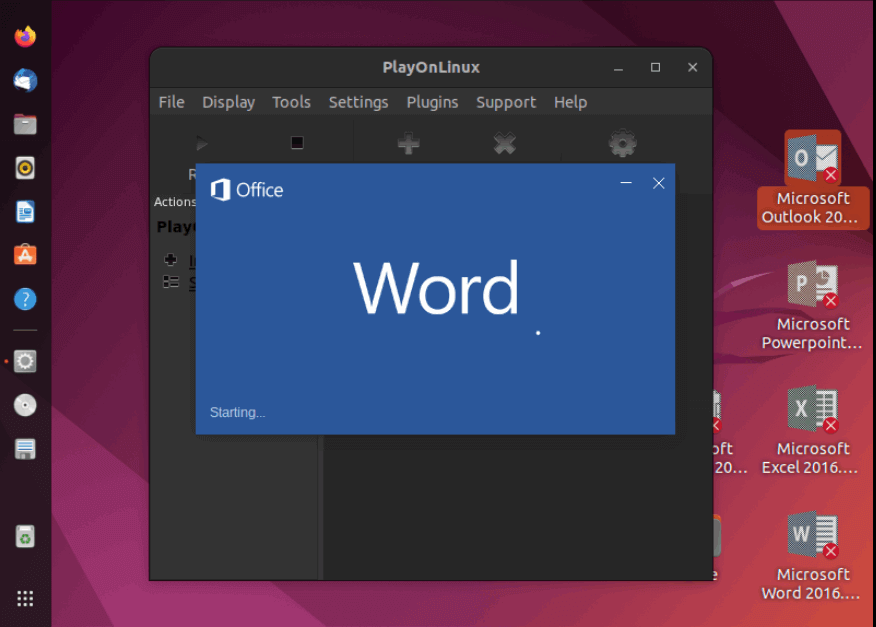
The best office applications for Ubuntu are LibreOffice, OnlyOffice, WPS Office, Calligra Suite, and Apache OpenOffice. These suites cover word processing, spreadsheets, and presentations, with LibreOffice being the most popular and OnlyOffice offering excellent Microsoft Office compatibility.
️ Top Office Suites for Ubuntu
Office Suite
Key Features
Pros
Cons
Best For
LibreOffice
Writer, Calc, Impress, Draw, Base, Math
Free, open-source, strong community, wide format support
Interface feels dated, occasional MS Office formatting issues
General users, open-source enthusiasts
OnlyOffice
Docs, Sheets, Slides
Modern UI, excellent MS Office compatibility, collaborative editing
Heavier resource usage, fewer advanced features
Teams needing collaboration & MS Office-like experience
WPS Office
Writer, Spreadsheets, Presentation
Sleek UI, strong MS Office compatibility, PDF tools
Free version has ads, closed-source
Users who want a polished MS Office-like feel
Calligra Suite
Words, Sheets, Stage, Flow, Kexi
KDE integration, creative tools (mind maps, flowcharts)
Less popular, weaker MS Office compatibility
KDE users, creative professionals
Apache OpenOffice
Writer, Calc, Impress, Draw, Base
Stable, long history, free
Slower updates, weaker MS Office compatibility than LibreOffice
Users who want a simple, stable suite
Sources:
Key Considerations
-
Compatibility with Microsoft Office: If you frequently exchange files with MS Office users, OnlyOffice or WPS Office are better choices.
-
Open-source vs Proprietary: LibreOffice and Calligra are fully open-source, while WPS Office is proprietary.
-
Collaboration Needs: OnlyOffice shines with real-time collaboration, similar to Google Docs.
-
System Resources: LibreOffice is lighter, while OnlyOffice and WPS Office may demand more RAM/CPU.
⚠️ Limitations & Trade-offs
-
Formatting Issues: Even the best alternatives sometimes struggle with complex MS Office documents (especially macros or advanced Excel formulas).
-
Updates: Apache OpenOffice is less actively maintained compared to LibreOffice, which receives frequent updates.
-
Privacy Concerns: Proprietary suites like WPS Office may raise concerns for users who prefer open-source transparency.
If you want the most reliable and widely used option, go with LibreOffice. If MS Office compatibility is critical, choose OnlyOffice. For a sleek, modern UI, WPS Office is a strong contender.
0 comments:
Post a Comment