








Booting the Image
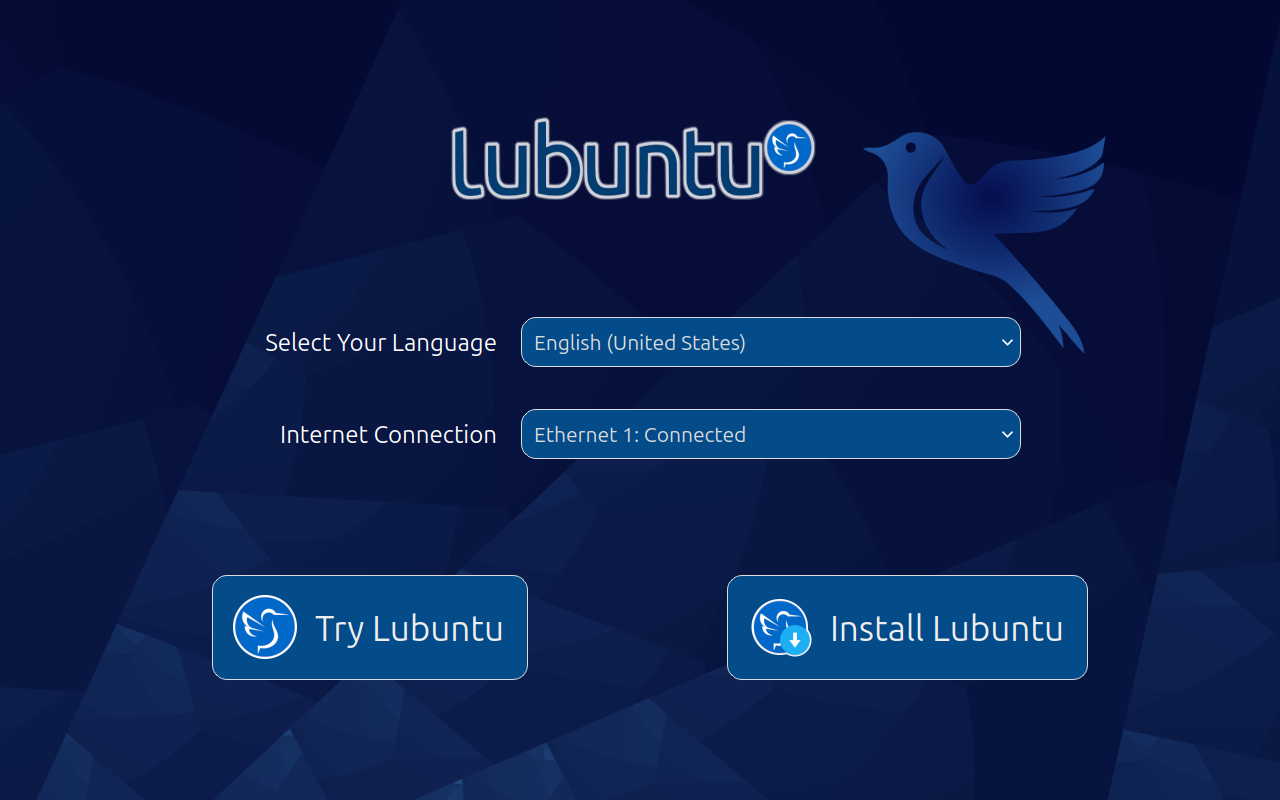
Now that you have the ISO file, you need to put the image on a media device and boot the image for installation.
This requires additional research on your own, as this varies depending on your hardware.
Choosing the media
In order to boot the image, you need to put it somewhere. You have two choices either
- a DVD
- a USB drive (4 GB or greater)
Writing/burning the Image
- Here are some common tools to burn images onto DVDs:
-
- Brasero
- K3b
- Windows Disc Image Burner
- InfraRecorder
Unfortunately, burning images to USB or DVDs on macOS or Windows is beyond the scope of this manual. The Ubuntu website has several guides on this topic, and we recommend you read them if you plan on doing this.
- Guides from the Ubuntu website:
For writing images to USB drives on Linux, we recommend mkusb a tool developed by a Lubuntu team member, or the USB creator shipped with Lubuntu Startup Disk Creator.
Writing images to USB drives from macOS or Windows is beyond the scope of this book, but the Ubuntu website also has several guides on this:
Booting the Image
With your media inserted, reboot your computer. Depending on your hardware configuration, it may boot into the image right away, or you might need to press a key at startup for boot options. This varies but looking for documentation for your hardware will likely provide the answer.
0 comments:
Post a Comment