








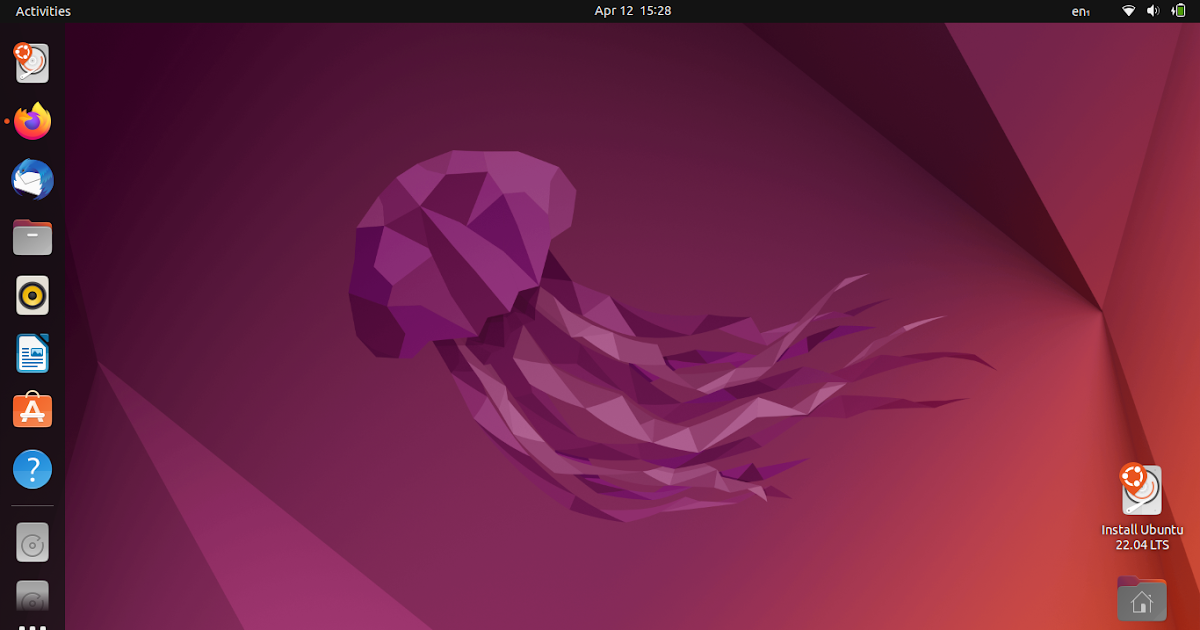
For most users, the best Ubuntu versions over time have been the long-term support (LTS) releases, with 22.04 LTS (Jammy Jellyfish) and 20.04 LTS (Focal Fossa) standing out as particularly solid choices in their respective eras.
Context and key points
-
What "best" means depends on your priorities:
-
Stability and support duration: LTS releases receive five years of desktop support and security updates, making them ideal for production machines and users who want a calm, maintenance-friendly experience.
-
New hardware and features: Interim (non-LTS) releases typically bring newer kernels, drivers, and software, which can improve hardware compatibility and access to newer technologies, but they have shorter support cycles.
-
-
Notable LTS milestones:
-
Ubuntu 20.04 LTS (Focal Fossa) launched in April 2020 and is supported until 2025 on the desktop (and longer via extended support options). It’s praised for solid performance, broad hardware compatibility, and mature software stacks. This made it a staple for many desktops and servers during its run.
-
Ubuntu 22.04 LTS (Jammy Jellyfish) launched in April 2022 and is supported until 2027 on the desktop, with extended support beyond. It represents a more modern LTS baseline with improved hardware support, updated drivers, and enhanced cloud and container tooling. These factors contributed to its popularity as a dependable, long‑term platform.
-
-
General guidance:
-
If you value long-term reliability and minimal disruptions, choose the latest LTS (currently the most recent LTS at your time). This gives you five years of updates and a stable base to build from.
-
If you want the newest features and drivers and are able to handle a shorter support window, you might opt for an interim release, but be prepared to upgrade more often.
-
Illustrative recommendation
-
For a home PC or small business looking for a "set-it-and-forget-it" system: install the latest LTS (e.g., the current LTS). This minimizes upgrade fatigue while keeping security and compatibility up to date.
-
For a testing lab or advanced user who needs the latest kernel and drivers: consider an interim release but plan an upgrade path before support ends.
If you’d like, tell me your hardware (desktop vs server, current CPU/GPU, any special software) and your priorities (long-term stability, hardware support, or cutting-edge features). I can suggest a specific Ubuntu version and provide upgrade/maintenance considerations tailored to your setup.
0 comments:
Post a Comment