








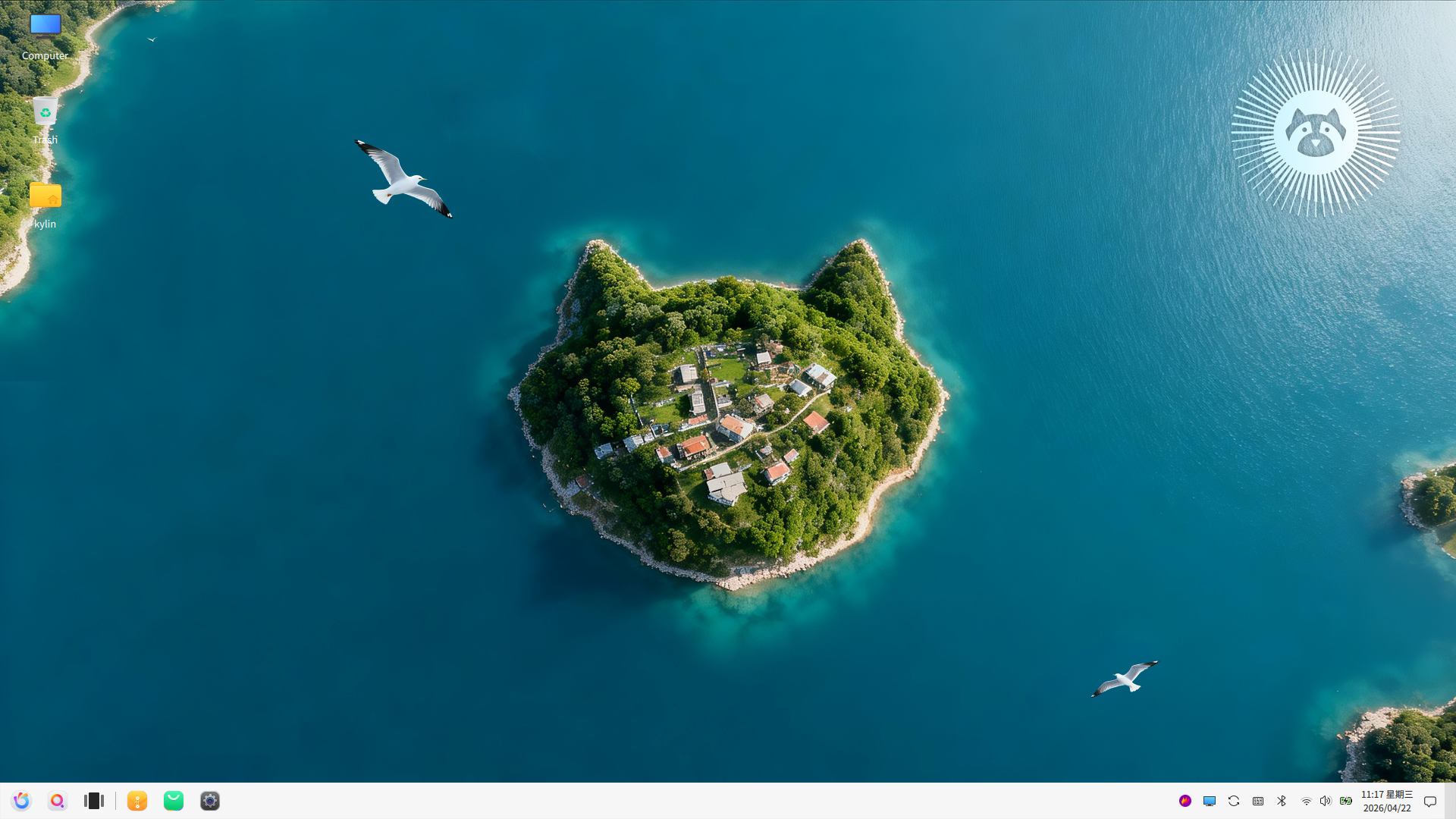
The Ubuntu Kylin project has announced the release of version 26.04 of its community edition of Ubuntu which is configured for Chinese-speaking users.
An English version of the release announcement states: "On April 23, 2026, the Kylin Team officially released Ubuntu Kylin 26.04, which will be supported for 3 years. Based on the Linux 7.0 kernel, Ubuntu Kylin 26.04 brings major upgrades to core libraries, subsystems, and essential software, improving overall stability and compatibility. The desktop environment has also been upgraded to UKUI 4.20, delivering a smoother and more reliable user experience!
New features: Ubuntu Kylin 26.04 includes Linux kernel 7.0 with a series of enhancements: Rust language support is no longer marked as experimental; improved support for Intel Core Ultra Series 3 (Panther Lake) processors; optimized support for Intel Xe3 integrated graphics and integrated NPU; cgroupfs now mounts with nsdelegate, memory_recursiveprot, and memory_hugetlb_accounting enabled; integrated the IgH EtherCAT Master module and Generic driver; the real-time Linux kernel is now available in the main archive for all users; Kernel Livepatch now supports the ARM64 architecture; ZFS has been updated to 2.4.1."
Additional details are provided in the release announcement (Chinese, English). Download: ubuntukylin-26.04-desktop-amd64.iso (5,420MB, SHA256, signature, torrent, pkglist).
Here are the news and features of Ubuntu Kylin 26.04 LTS in English
Ubuntu Kylin 26.04 LTS — News & Features
Ubuntu Kylin 26.04 is an official Ubuntu flavour aimed mainly at providing a more user-friendly desktop experience, with extra focus on simplicity, AI integration, and localized tools. It is based on Ubuntu 26.04 LTS “Resolute Raccoon”.
️ 1. Ubuntu 26.04 base system
Ubuntu Kylin inherits all core improvements from Ubuntu 26.04:
- Linux kernel 7.0
- Updated graphics stack (Mesa, Vulkan)
- Wayland-first desktop environment
- Better hardware support for modern PCs
Result:
- smoother performance
- better GPU support
- improved compatibility with new hardware
2. UKUI Desktop Environment updates
Ubuntu Kylin uses its own desktop environment:
- UKUI (Ubuntu Kylin User Interface) updated version
- More modern and lightweight design
- Improved animations and usability
What this means in practice:
- simpler, more “Windows-like” experience
- easier navigation for new users
- more consistent interface design
3. AI-powered features (key focus)
One of the biggest highlights:
- Built-in AI assistant tools
- Smart search and system suggestions
- AI-enhanced productivity features
Real-world impact:
✔ easier file search
✔ automated suggestions
✔ more guided user experience
4. Better ecosystem and cloud integration
- Improved integration with online services
- Better support for regional apps and services
- Cloud syncing and account management improvements
Designed for:
- home users
- education environments
- office workflows (especially in Asia)
⚡ 5. Performance improvements
Thanks to the Ubuntu 26.04 base:
- Better CPU and GPU efficiency
- More stable Wayland experience
- Improved multitasking performance
Result:
- smoother desktop experience
- better performance on laptops and mid-range PCs
6. Security improvements
- Full Ubuntu 26.04 LTS security stack
- TPM-based disk encryption support
- Long-term security updates
Support lifecycle:
- 5 years of standard LTS support (until 2029)
7. Updated applications
- New versions of core system apps
- Kylin-specific utilities improved
- Productivity and media apps preinstalled
8. User experience improvements
- simpler installation process
- more guided first setup
- cleaner and more accessible interface
Summary
Ubuntu Kylin 26.04 LTS is:
✔ based on Ubuntu 26.04 LTS
✔ focused on simplicity and ease of use
✔ enhanced with AI features
✔ using the UKUI desktop environment
✔ optimized for everyday users and productivity
Who is it for?
Recommended if you want:
- a simple and guided Linux experience
- built-in AI assistance
- a Windows-like, easy-to-use interface
Not ideal if you want:
- heavy customization (Kubuntu is better)
- professional creative workflows (Ubuntu Studio is better)
- minimal or ultra-light systems (Lubuntu is better)
0 comments:
Post a Comment